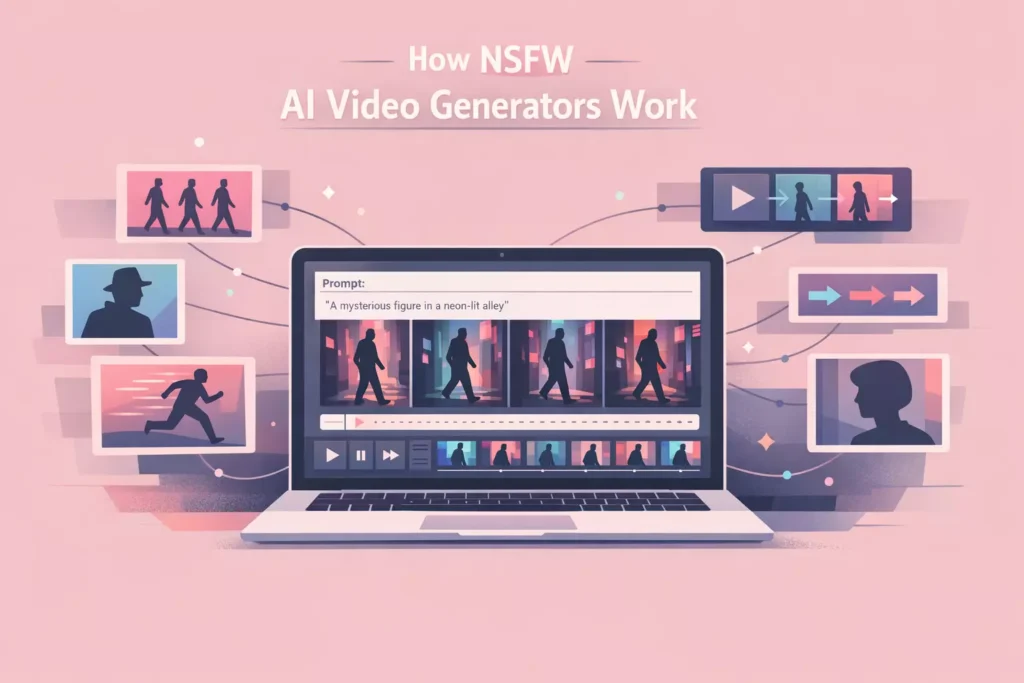
Most people using NSFW AI video generators are not limited by the tool. They are limited by their inefficient and weak prompts. The difference between a clean, realistic output and something unusable almost always comes down to how the prompt is written.
AI video models do not “improvise” in the way people expect. They follow structure, patterns, and clarity. If your prompt is vague, overloaded, or inconsistent, the output will reflect that immediately.
In this guide, we break down how to write effective prompts for the best NSFW video generators along with real examples you can use and modify. The goal is not just to give you prompts, but to help you understand why they work so you can create your own.
What Makes a Good NSFW AI Video Prompt
A good prompt is not about creativity alone. It is about structure. The AI needs clear instructions that define what to generate, how it should move, and what visual style to follow.
Strong prompts typically include four key elements: subject, motion, camera perspective, and visual style. When these elements are clearly defined, the model can generate frames that stay consistent across the entire clip.
Many beginners make the mistake of writing prompts that sound natural to a human but are confusing to a model. AI does not interpret intent. It processes patterns. That is why structured prompts consistently outperform casual descriptions.
The Ideal Prompt Structure
If you want consistent results, you need to follow a repeatable structure. This keeps your prompts predictable and easier to refine.
A simple way to think about it is building your prompt in layers. You start with the subject, then define what is happening, then describe how it is being viewed, and finally apply style details.
- Subject: what is in the scene
- Action: what is happening
- Camera: how the scene is framed
- Style: lighting, tone, and visual quality
This structure gives the AI a clear roadmap. Without it, the model has to make too many assumptions, which often leads to unstable outputs.
If you want a deeper understanding of how prompts are processed at a technical level, it helps to read how NSFW AI video generators work and how they translate text into visual frames.
Example Prompts That Actually Work
Below are prompt examples that follow a clean structure and tend to produce more stable results. These are designed to be modified, not copied exactly. The goal is to give you a starting point.
- cinematic lighting, close-up shot, smooth camera pan, detailed subject, soft shadows, high realism
- medium shot, slow motion movement, consistent lighting, natural motion, realistic textures
- wide angle view, subject centered, gradual movement, soft lighting, high detail, stable composition
- close-up framing, slow camera zoom, smooth transitions, warm lighting, cinematic style
- static camera, minimal motion, high detail, soft shadows, consistent textures
These prompts work because they avoid conflicting instructions and keep the scene controlled. Simpler prompts often produce better results than overly complex ones.
How to Customize Prompts for Better Results
Using generic prompts will only get you so far. To improve your outputs, you need to customize prompts based on your goal.
Start by adjusting one variable at a time. If you want smoother motion, refine how you describe movement. If you want better visuals, focus on lighting and detail rather than adding more elements to the scene.
It is also important to match your prompt to the tool you are using. Some generators respond better to detailed descriptions, while others perform better with simpler inputs.
Customization is where you move from average outputs to consistent results. It is not about making the prompt longer. It is about making it more intentional.
Common Prompt Mistakes to Avoid
Many of the issues people run into come from the same set of mistakes. Fixing these alone can dramatically improve your results.
- Adding too many conflicting details in one prompt
- Using vague descriptions with no structure
- Overloading the scene with multiple actions
- Ignoring camera perspective entirely
These mistakes make it harder for the model to maintain consistency across frames. When the AI cannot clearly interpret the scene, it starts making unpredictable decisions.
If your outputs look unstable or inconsistent, there is a good chance your prompt is the problem.
How Prompt Complexity Affects Output Quality
There is a common assumption that more detailed prompts lead to better results. In reality, more detail only helps when it is structured correctly.
Overly complex prompts can confuse the model, especially when multiple elements compete for attention. This often leads to flickering, inconsistent subjects, or unnatural motion.
Simpler prompts tend to produce more stable outputs because they give the model fewer variables to manage. Once you have a clean result, you can gradually introduce more detail.
If you have ever wondered why some AI videos look unrealistic, it often comes back to how the prompt is structured and how much complexity the model is trying to handle at once.
Matching Prompts to Video Length and Style
Your prompt should also match the type of video you are generating. Short clips and longer clips behave differently, and your prompt needs to reflect that.
Short clips allow for more controlled motion and better consistency. This makes them ideal for detailed or cinematic prompts. Longer clips require simpler scenes to maintain stability across frames.
Style also plays a role. If you are aiming for realism, your prompt should emphasize natural lighting and smooth motion. If you are experimenting with stylized outputs, you can be more flexible with how you describe the scene.
The key is aligning your prompt with what the model can realistically handle.
Building a Repeatable Prompt Workflow
The best way to improve your results is to treat prompting as a system rather than a one-off action. A repeatable workflow helps you refine prompts faster and avoid common mistakes.
Start with a simple base prompt that follows a clear structure. Generate a clip, evaluate the result, and then make small adjustments. Over time, you will develop a set of prompt patterns that consistently produce good outputs.
This approach is far more effective than constantly starting from scratch. It also makes it easier to troubleshoot issues because you can isolate what changed between iterations.
How Prompts Connect to Better Results Overall
Prompts are not just one part of the process. They influence everything from frame consistency to motion quality. A well-structured prompt makes every step of the workflow easier.
When your prompt is clear, the AI has an easier time generating stable frames. This reduces the need for heavy iteration and improves your overall efficiency.
If you combine strong prompts with the right workflow, as outlined in how to use NSFW AI video generators, you will see a noticeable difference in output quality.
Final Thoughts
Most people underestimate how important prompts are in AI video generation. They focus on the tool, the settings, or the output, but the prompt is what drives everything.
Once you understand how to structure prompts properly, your results become more consistent and easier to control. Instead of guessing, you start guiding the AI with clear instructions.
The difference between average and high quality output is not luck. It is how well you communicate with the model.